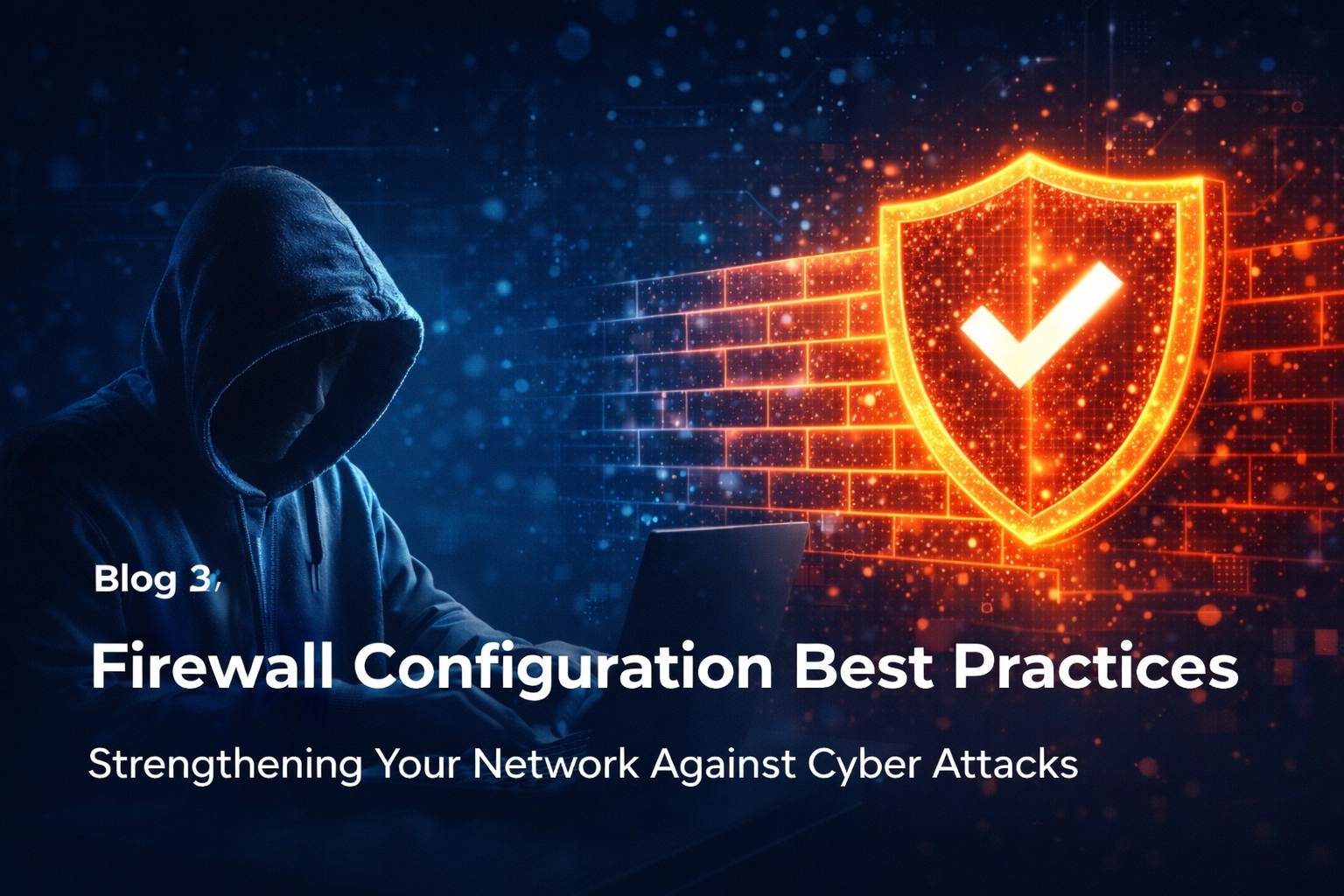
Proper firewall configuration is the foundation of network security for South African businesses. With local organisations facing an average of 1,450 cyberattacks per week—a 4% year-on-year increase—your firewall is often the first and last line of defence. Yet many businesses treat firewall setup as a "set and forget" exercise, leaving dangerous gaps that attackers eagerly exploit.
In 2024, network-edge devices became prime targets for cybercriminals. According to IBM's Cost of a Data Breach Report, the average breach costs South African organisations R53.1 million. With 69% of local businesses hit by ransomware according to Sophos, getting your firewall configuration right isn't optional—it's critical for survival.
Why Firewall Configuration Matters More Than Ever
South Africa sits at the centre of Africa's cybersecurity storm. ESET's 2024 Threat Report reveals that over 40% of ransomware attacks and 35% of infostealer incidents detected on the continent targeted South African organisations. INTERPOL recorded 17,849 ransomware detections in South Africa in 2024—the highest in Africa.
Despite these threats, many SMBs remain dangerously exposed:
| Reality Check | Statistic |
|---|---|
| SA organisations attacked weekly | 1,450 times |
| SMBs targeted by cyberattacks | 43% |
| SMBs adequately prepared | Only 14% |
| Commercial entities with cyber insurance | 26% |
| Average breach cost (SA) | R53.1 million |
Your firewall stands between your business and these threats. But a misconfigured firewall provides a false sense of security—like a locked door with the key left in the lock. Proper firewall configuration ensures your perimeter actually protects you.
Understanding Modern Firewall Capabilities
Today's next-generation firewalls (NGFWs) go far beyond simple port and protocol filtering. Before diving into configuration best practices, understand what your firewall can do:
Core NGFW Features
| Feature | Function | Why It Matters |
|---|---|---|
| Stateful Packet Inspection | Tracks connection states, not just individual packets | Blocks malformed or out-of-sequence traffic |
| Deep Packet Inspection (DPI) | Examines packet contents, not just headers | Detects malware and exploits hidden in legitimate traffic |
| Application Awareness | Identifies applications regardless of port | Blocks unauthorized apps even on standard ports |
| Intrusion Prevention (IPS) | Detects and blocks known attack patterns | Stops exploits before they reach targets |
| SSL/TLS Inspection | Decrypts and inspects encrypted traffic | Reveals threats hiding in HTTPS connections |
| Threat Intelligence | Real-time updates on malicious IPs/domains | Blocks known bad actors automatically |
| User Identity Integration | Links traffic to specific users | Enables user-based policies and auditing |
If your firewall lacks these capabilities, it's time to upgrade. Legacy firewalls that only filter by port and IP address cannot protect against modern threats. Investing in proper firewall configuration starts with having the right hardware.
The Golden Rules of Firewall Configuration
These fundamental principles should guide every firewall configuration decision. Violate them at your peril.
Rule 1: Default Deny — Block Everything First
The most critical principle: deny all traffic by default and permit only by exception.
Many administrators make the mistake of starting with permissive rules and trying to block bad traffic. This approach fails because you cannot anticipate every threat. Instead:
- Start with a rule that blocks all inbound AND outbound traffic
- Add specific allow rules only for traffic you explicitly require
- Document the business justification for every allow rule
- Review and remove rules that are no longer needed
# Conceptual firewall rule order
1. Allow established/related connections (stateful)
2. Allow specific required services (explicit permits)
3. Deny and log everything else (default deny)
This ensures nothing passes through without explicit authorisation. If you cannot explain why a rule exists, it probably shouldn't.
Rule 2: Control Outbound Traffic — Not Just Inbound
Most organisations focus exclusively on inbound threats while ignoring outbound traffic. This is a critical mistake. Consider what outbound access enables:
- Malware communication: Ransomware and trojans need to contact command-and-control servers
- Data exfiltration: Stolen data must leave your network somehow
- Lateral movement tools: Attackers download additional tools after initial compromise
Effective firewall configuration restricts outbound traffic to necessary destinations and ports:
| Outbound Rule | Recommendation |
|---|---|
| Web browsing (HTTP/HTTPS) | Allow through web proxy with logging and filtering |
| DNS | Allow only to approved internal or external DNS servers |
| Allow only from mail servers to specified relays | |
| Direct internet from servers | Block — route through proxies |
| Cloud services | Allow specific services by IP/domain where possible |
| Everything else | Deny by default |
When malware cannot phone home, it cannot receive instructions or exfiltrate data. Outbound controls dramatically limit the damage from successful intrusions.
Rule 3: Segment Your Network — Contain the Blast Radius
Network segmentation limits lateral movement. When attackers breach one system, segmentation prevents them from freely accessing everything else.
Essential segments for SMBs:
| Segment | Contains | Access Policy |
|---|---|---|
| DMZ | Web servers, email gateways, public-facing services | Internet can reach specific services; limited internal access |
| Corporate LAN | User workstations, printers | Internet access via proxy; access to approved internal resources |
| Server VLAN | Internal servers, databases, file shares | No direct internet; accessible only from authorised sources |
| Management VLAN | Network devices, admin interfaces | Highly restricted; accessible only from admin workstations |
| Guest Network | Visitor devices, personal phones | Internet only; no internal access whatsoever |
| IoT/OT Network | Cameras, sensors, industrial controls | Isolated; minimal required connectivity only |
Your firewall enforces boundaries between these segments. A compromised workstation shouldn't automatically have access to your financial database. Proper firewall configuration and segmentation contain breaches to limited areas.
Rule 4: Enable SSL/TLS Inspection — See Inside Encrypted Traffic
Over 80% of web traffic is now encrypted. Without SSL inspection, your firewall is blind to threats hiding in HTTPS connections. Attackers know this and deliberately use encryption to evade detection.
Implementing SSL inspection:
- Generate or import a certificate authority (CA) that your firewall uses to decrypt traffic
- Deploy the CA certificate to all managed devices so they trust the firewall's certificates
- Create bypass rules for sensitive categories (banking, healthcare) where interception isn't appropriate
- Enable inspection for all other outbound HTTPS traffic
This allows your firewall to inspect encrypted traffic for malware, data loss, and policy violations. Yes, it adds complexity. But without it, you're defending with one eye closed.
Rule 5: Protect the Management Interface — Guard the Keys
The firewall management interface is a prime target. If attackers compromise it, they control your entire perimeter. Treat management access with extreme caution:
- Never expose management interfaces to the internet — not even with "strong" passwords
- Restrict access to specific management VLANs or IP addresses
- Require multi-factor authentication for all administrative access
- Use separate credentials from regular network accounts
- Enable logging for all administrative actions
- Review admin access quarterly — remove accounts no longer needed
A compromised firewall is worse than no firewall. The attacker can watch all traffic, modify rules silently, and maintain persistent access. Protect your firewall configuration interface accordingly.
Essential Firewall Rules for South African SMBs
Based on the local threat landscape, here are essential rules every South African business should implement:
Inbound Rules
| Rule | Purpose | Priority |
|---|---|---|
| Block all by default | Foundation of security | Critical |
| Allow established/related | Enable stateful inspection | Critical |
| Allow specific services only | Web, email, VPN as needed | Required |
| Block known malicious IPs | Threat intelligence feeds | High |
| Geo-block high-risk countries | Block regions you don't do business with | Recommended |
| Rate limit connection attempts | Prevent brute force attacks | Recommended |
Outbound Rules
| Rule | Purpose | Priority |
|---|---|---|
| Block all by default | Prevent unauthorised egress | Critical |
| Allow DNS to approved servers only | Prevent DNS tunnelling | Critical |
| Allow web via proxy | Enable logging and filtering | High |
| Block direct internet from servers | Force proxy usage | High |
| Allow specific cloud services | Microsoft 365, business SaaS | Required |
| Block file sharing protocols | Prevent data exfiltration | Recommended |
Internal Segmentation Rules
| Rule | Purpose | Priority |
|---|---|---|
| Block guest-to-corporate | Isolate untrusted devices | Critical |
| Restrict server VLAN access | Limit who reaches sensitive systems | Critical |
| Isolate management network | Protect infrastructure | Critical |
| Control IoT device communication | Prevent compromised device pivoting | High |
| Log all cross-segment traffic | Enable detection and forensics | High |
Firewall Configuration Mistakes to Avoid
These common errors undermine security regardless of your hardware investment:
| Mistake | Risk | Solution |
|---|---|---|
| "Any-any" allow rules | Bypasses all protection | Remove immediately; create specific rules |
| Disabled logging | No visibility into attacks | Enable logging on all deny rules minimum |
| Default admin credentials | Trivial compromise | Change immediately; use strong unique passwords |
| Management on public interface | Direct attack target | Move to isolated management network |
| Outdated firmware | Known vulnerabilities exploited | Patch monthly; subscribe to vendor alerts |
| No rule review process | Rule bloat, forgotten permits | Quarterly reviews; document all rules |
| Overly broad service rules | Unnecessary exposure | Allow only specific required ports/protocols |
| No outbound filtering | Malware communicates freely | Implement outbound controls |
One "temporary" any-any rule created for troubleshooting and forgotten can undo months of careful firewall configuration work. Document everything and review regularly.
Choosing the Right Firewall for Your SMB
South African SMBs have several solid options. The right choice depends on your size, technical capability, and budget:
SMB Firewall Comparison
| Vendor/Product | Best For | Approximate Cost (ZAR) | Key Strengths |
|---|---|---|---|
| Fortinet FortiGate (40F/60F) | Small offices, branches | R8,000 - R25,000 | Excellent value, strong security fabric |
| SonicWall TZ series | SMBs wanting simplicity | R10,000 - R30,000 | Easy management, good support |
| Sophos XGS series | Microsoft-heavy environments | R12,000 - R35,000 | Strong endpoint integration |
| WatchGuard Firebox | Compliance-focused SMBs | R15,000 - R40,000 | Excellent reporting, easy auditing |
| Palo Alto PA-400 series | Security-first organisations | R25,000 - R60,000 | Industry-leading threat prevention |
| Ubiquiti UniFi | Budget-conscious, tech-savvy | R3,000 - R10,000 | Low cost, good basics, limited NGFW |
Recommendations by business size:
- 1-10 employees: FortiGate 40F, SonicWall TZ270, or Ubiquiti for basics
- 10-50 employees: FortiGate 60F, Sophos XGS 107, SonicWall TZ370
- 50-200 employees: FortiGate 100F, Sophos XGS 2100, Palo Alto PA-440
Remember: the best firewall poorly configured provides less protection than a basic firewall properly configured. Invest in firewall configuration expertise, not just hardware.
Ongoing Firewall Maintenance
Firewall configuration isn't a one-time project. Ongoing maintenance ensures continued protection:
Monthly Tasks
- Review and apply firmware updates
- Check threat intelligence feed updates
- Review logs for anomalies or attacks
- Verify backups of configuration
- Check license expiration dates
Quarterly Tasks
- Audit all firewall rules — remove unused rules
- Review administrator accounts — remove departed staff
- Test disaster recovery procedures
- Review segmentation effectiveness
- Update documentation
Annual Tasks
- Conduct penetration test against perimeter
- Review overall architecture and design
- Assess whether hardware meets current needs
- Benchmark against industry standards
- Plan budget for upgrades or renewals
Document every change. Maintain a change log showing what was modified, when, why, and by whom. This audit trail proves invaluable during incident response and compliance reviews.
Integrating Firewall with Other Security Controls
Your firewall doesn't work in isolation. Maximum protection comes from integration with other security layers:
| Integration | Benefit |
|---|---|
| SIEM/Log Management | Centralised visibility, correlation with other events |
| Endpoint Protection | Coordinate blocking of threats at both perimeter and endpoint |
| Identity Access Management | User-based policies, authentication integration |
| Email Security | Block malicious IPs identified in email attacks |
| Vulnerability Scanning | Prioritise patching based on exposure |
| Threat Intelligence | Automated blocking of known malicious indicators |
For Microsoft environments, integrating your firewall logs with Microsoft Sentinel provides powerful correlation and automated response capabilities.
Firewall Configuration and POPIA Compliance
For South African businesses, proper firewall configuration supports POPIA compliance in several ways:
- Security safeguards: Demonstrates appropriate technical measures to protect personal information
- Access control: Restricts who can reach systems containing personal data
- Logging and monitoring: Provides audit trails of access attempts
- Breach prevention: Reduces likelihood of reportable security compromises
- Incident response: Logs assist investigation when incidents occur
When the Information Regulator asks what security measures you've implemented, a properly configured and documented firewall demonstrates due diligence.
The Cost of Poor Firewall Configuration
Inadequate perimeter security has real financial consequences:
| Consequence | Impact |
|---|---|
| Ransomware breach | R17 million median ransom demand + R23 million recovery |
| Data breach | R53.1 million average cost |
| Business interruption | Operational downtime, lost revenue |
| Regulatory penalties | POPIA fines up to R10 million |
| Reputational damage | Customer loss, brand impact |
| Cyber insurance claims | Premium increases or coverage denial |
Compare this to the cost of proper firewall configuration: appropriate hardware (R10,000-R50,000 for most SMBs), professional setup, and ongoing maintenance. The investment is trivial compared to breach costs.
Next Steps for Your Organisation
Strengthen your firewall configuration today:
- Audit current rules — Can you justify every allow rule? Remove what you can't explain
- Implement default deny — If not already in place, this is your first priority
- Enable outbound controls — Don't let malware communicate freely
- Segment your network — Contain breaches before they spread
- Enable logging — You can't detect what you don't see
- Schedule regular reviews — Quarterly minimum for rule audits
Need help assessing your firewall configuration? Contact RSAT.online for a perimeter security assessment tailored to South African businesses.
About RSAT.online
RSAT.online provides practical cybersecurity guidance for South African small and medium businesses. From firewall assessments to network security audits, we help local organisations build robust perimeter defences against the 1,450 weekly attacks targeting SA businesses.